inD LAB report #1 · every number traces to a result file · contains Amazon affiliate links
inD LAB · Local AI Benchmark · November 2026
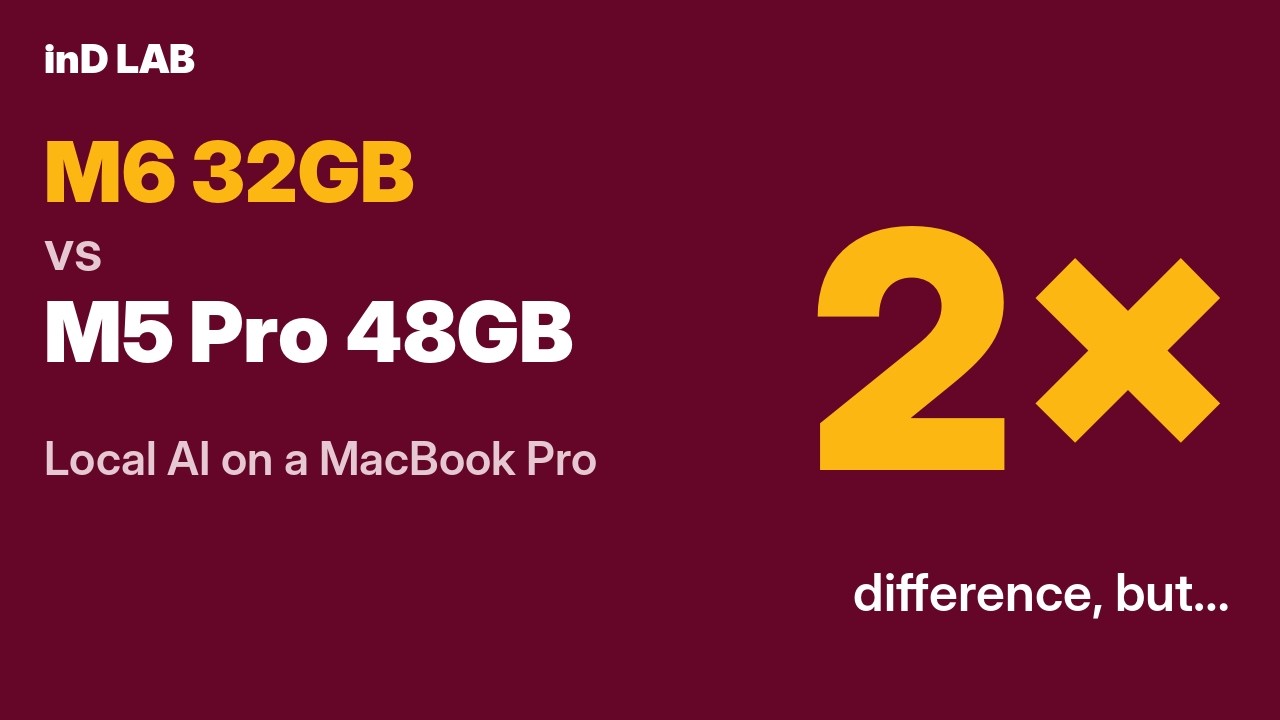
M6 32GB vs M5 Pro 48GB: what running AI on your own laptop really takes
Both Macs at their default power setting
The video version of this report. Pressing play loads it from YouTube.Watch on YouTube →
What this report does not cover
The M6's Low Power Mode: not tested.
The M5 Pro's Low Power mode: tested on the 27B model's speed only.
The M5 Pro's High Power mode: tested, but the run was not reliable enough to publish.
Both Macs ran macOS 27.2.1, but each on its own build (M6 26B7131, M5 Pro 26B131); neither Mac can install the other's.
16-inch MacBook Pros: not tested. Both test laptops were 14-inch models.
Other M5 Pro chip versions: not tested. Ours was the M5 Pro with an 18-core CPU and 20-core GPU.
Everything else on this page was measured on freshly reset, offline Macs, kept awake, with models cleared between tests.
On a MacBook Pro M6 with 32GB and a MacBook Pro M5 Pro with 48GB, both freshly reset and offline, we ran the same model files and prompts through the nine tests below. Every number was recalculated from the result files and independently reviewed. Memory decided it.
MacBook Pro M6, 32GB (12-core CPU, 12-core GPU)MacBook Pro M5 Pro, 48GB (18-core CPU, 20-core GPU)
Images, seconds per image
2.1–2.5×
faster on the M5 Pro, same picture
27B model, writing speed
~2×
19.3 vs 38.8 tokens/s on a long prompt
27B model, swap used
2.9GB vs 0
M6 vs M5 Pro, clean Mac, nothing else open
1 · Speed
1.5–2× faster writing on every model
Writing speed in tokens per second on a ~6,900-token prompt, median of 5–20 runs. Longer bars are better.
qwen3:14b
14.7
27.3
1.86×
qwen3:30b-a3b
46.7
70.0
1.50×
qwen3.8:27b
19.3
38.8
2.01×
Why: writing follows memory bandwidth
llama.cpp writing test: 17.0 vs 31.0 tokens/s = 1.82×. Memory bandwidth: 170 vs 307GB/s = 1.81×.
Reading a prompt follows GPU cores
llama.cpp prompt reading: 459 vs 797 tokens/s = 1.74×. GPU cores: 12 vs 20 = 1.67×.
Ollama 0.40.16; 14B and 30B run on llama.cpp, the 27B on MLX, so compare Macs per model, not models with each other. Short-prompt speeds: 14B 16.8 vs 30.9, 30B 67.3 vs 100.6, 27B 19.5 vs 33.9. M6 runs Nov 17 (no caffeinate or model clearing; checked: no gaps, one model loaded). llama.cpp b12503, Qwen3-14B Q4_K_M, default CPU threads (2 on the M6, 6 on the M5 Pro).
2 · Memory
Tight on 32GB, roomy on 48GB for the 27B model
Free memory while the 27B model runs 40 prompts
From the per-second samples of the clean 27B speed runs (M6 Nov 17, M5 Pro Nov 18). The M5 Pro finishes the same 40 prompts in about 10.5 minutes of generating vs about 17.7 on the M6.
27B, normal prompts
M6: lowest free memory 11%, swap up to 2.9GB, pressure yellow 74% of the time M5 Pro: no swap, pressure green throughout
27B, a 30,000-token document
M6: first word after 116.9 s, 5.2GB swap M5 Pro: first word after 73.5 s, no swap
Two models at once (27B + 12B)
M6: the 12B crashed (GPU out of memory) after 17 of 20 prompts; swap 16.7GB M5 Pro: both finished, but tight: the 27B at about half its solo speed on long prompts, swap 6.5GB, pressure red
Waiting for the first word on a ~30,000-token document (seconds, shorter is better)
14B
139.6 s
76.8 s
1.82×
30B
75.0 s
46.9 s
1.60×
27B
116.9 s
73.5 s
1.59×
32k context window, ~29,880-token prompt. M6 swap on the long document: 14B 0.1GB, 30B 1.3GB, 27B 5.2GB; M5 Pro none. Two-models run on the M6 used a different script (no caffeinate, no model clearing); it started with 93% memory free and nothing loaded.
3 · Heat
At most about 4% slower after 45 minutes nonstop
Each model ran nonstop for 45 minutes. Writing speed in the first quarter vs the last quarter.
Model
M6 (tokens/s)
M5 Pro (tokens/s)
Memory during the run
14B
15.3 → 15.1 (−1.2%)
28.3 → 27.2 (−4.1%)
No swap on either
30B
53.5 → 53.0 (−0.8%)
78.9 → 77.6 (−1.6%)
M6 +2.2GB swap, yellow 76% of the time; M5 Pro none
27B
19.5 → 18.8 (−3.5%)
33.4 → 34.1 (no drop)
M6 +2.6GB swap, yellow 86%; M5 Pro none
Medians of each quarter, sustained runs only. The M5 Pro ran in macOS's "Fair" thermal state 81–100% of the time (never "Serious") and its fans were louder; the M6 moved between "Nominal" and "Fair". Fan noise is an impression, not a measurement.
4 · Images
The same picture in less than half the time
FLUX.1 schnell in Draw Things, seconds per image (median). Shorter bars are better.
4 steps, 1024 × 1024
32.4 s
13.0 s
2.5×
4 steps, 1344 × 768
32.5 s
13.2 s
2.5×
24 steps, 1344 × 768
158.2 s
74.6 s
2.1×
MacBook Pro M6, 32GB · 24 steps · 158.2 s
MacBook Pro M5 Pro, 48GB · 24 steps · 74.6 s
Draw Things 26.1020.0, FLUX.1 schnell 8-bit, identical model files, same prompt, seed and size. The two Macs' images match to within 1/255 per pixel. Both images are generated at 1344 × 768 and shown cropped to 1152 × 768: the same right-hand strip is cut from both, to remove a made-up logo the model drew on a background monitor. The M5 Pro was online for about 18 minutes before this run to download the model; the M6 never went online.
5 · Battery
1.7× faster on battery, for about 1.5× the charge
The same job on battery from 100%: 40 prompts to the 27B, 10,240 tokens written. Both Macs ran as fast on battery as on the charger.
Time for the job
16.8 vs 10.0 min
Battery used
10% vs 15%
Charge used
~612 vs ~907 mAh
Same battery pack on both (design capacity 6,249 mAh). Battery percentage is read in whole points, so the charge ratio could be anywhere from about 1.3× to 1.8×. One run each.
6 · Transcription
An hour of audio transcribed offline in 74 seconds
Whisper large-v3-turbo (whisper.cpp 1.9.5) on a one-hour recording, nothing sent anywhere. Seconds, shorter is better.
GPU (Metal)
109 s
74 s
1.47×
Neural Engine
97 s
122 s
M6 1.26×
The M6's dual Neural Engine is the one place it wins. But the M5 Pro's GPU is faster still, so for real use the M5 Pro transcribes the hour in 74 s vs the M6's best of 97 s.
GPU mode = Metal GPU with Core ML not loaded; the GPU transcripts are identical on both Macs. "Neural Engine" = the Core ML encoder forced onto the Neural Engine; decoding still runs on the GPU. The Neural Engine itself is 1.79× faster on the M6 (205.7 vs 368.5 ms per encoder pass); the whole job is only 1.26× faster, because decoding runs on the GPU on both Macs.
Accuracy: word error rate, lower is better
GPU: 6.34% on both Macs (identical transcripts) M6 Neural Engine: 9.29% M5 Pro Neural Engine: 5.19%
Nearly all of the M6's extra errors are a few repeated or inserted passages. We couldn't confirm that both Macs used identical compiled encoder files, so treat this gap as one setup's result, not a property of the chip.
7 · Energy Mode (M5 Pro only)
Quiet but about half as fast in Low Power mode
27B on the M5 Pro
Writing (tokens/s, short / long)
First word, long prompt
Prompt reading
Automatic (default)
33.9 / 38.8
15.2 s
453 tokens/s
Low Power
16.8 / 17.8
28.3 s
242 tokens/s
Both clean runs, Nov 18: models cleared first, Mac kept awake. High Power was tested, but the result is not reliable enough to publish: the Mac was not kept awake during that run and a model was already loaded, unlike every other result here.
How we tested
Same setup on both Macs
MacBook Pro M6, 32GB
MacBook Pro M5 Pro, 48GB
Size
14-inch
14-inch
CPU / GPU
12 cores / 12 cores
18 cores / 20 cores
Neural Engine
dual 16-core
16-core
Memory bandwidth
170GB/s
307GB/s
Cooling
one fan
two fans
macOS
27.2.1 (26B7131)
27.2.1 (26B131)
Both Macs erased and set up fresh: FileVault on, no Apple account, Wi-Fi off, only Terminal open, charger in, Energy Mode Automatic unless stated.
Ollama 0.40.16 with the same model files: qwen3:14b, qwen3:30b-a3b, qwen3.8:27b, gemma4:12b.
Tests Nov 17–18, 2026. From Nov 18 every test cleared loaded models first and kept the Mac awake; the Nov 17 M6 speed and two-model runs did not, and were checked run by run.
Medians of repeated runs. Raw numbers, scripts and every correction are kept in our lab notes.
Where to buy
The two Macs we tested
Affiliate disclosure: these are Amazon affiliate links. As an Amazon Associate, inD earns from qualifying purchases. The links were added after testing and don't change any number on this page.